Best Desk Accessories for Productivity: Practical Tools to Elevate Your Workspace
Your workspace plays a key role in how smoothly your day goes. It’s not about piling on gear, but choosing desk accessories that actually boost comfort, organization, and focus. The right tools clear clutter, support better posture, and keep your workflow seamless without overwhelming your space.
Why Desk Accessories Make a Difference
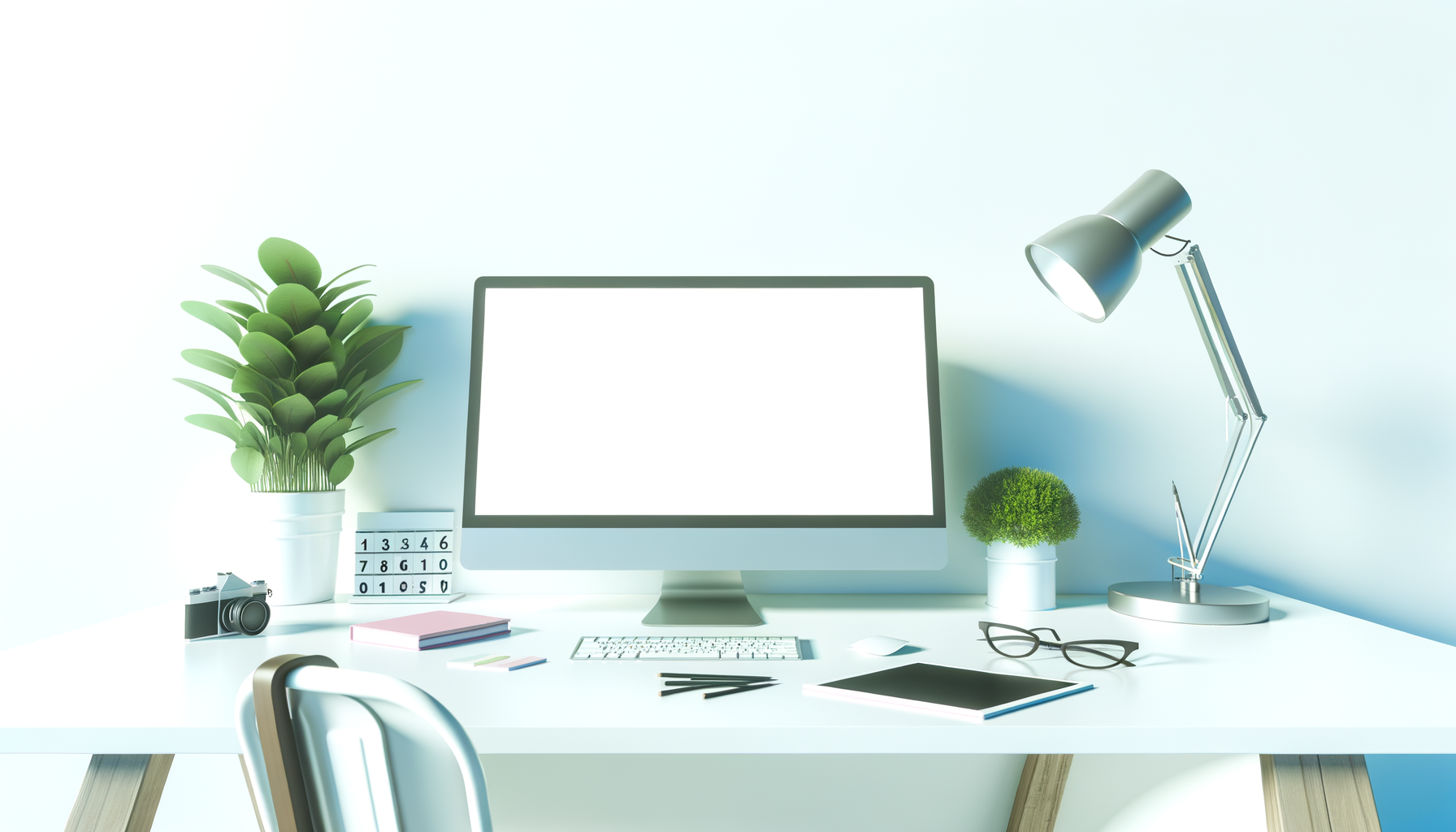
In my experience, even simple additions like a sturdy monitor stand or a good cable organizer can eliminate daily annoyances you barely noticed—until they were gone. Personally, I’ve found the best accessories always serve a clear purpose; otherwise they just add dust traps or distractions.
- Reduce clutter: Organized spaces help you focus and save time looking for essentials.
- Enhance ergonomics: Wrist rests, foot supports, and adjustable stands protect against fatigue.
- Streamline tasks: Keeping your tools within easy reach means less setup time and more productivity.
How to Pick Desk Accessories That Truly Help
Not every “productivity” gadget is worth the space it takes. What actually works is investing in accessories that plug holes in your workflow. Ask yourself:
- Does it improve comfort or speed?
- Will it organize without crowding?
- Is it well-made and durable?
- Can it adapt if your setup changes?
- Does it fit your style and space?
- Does it serve multiple functions? (Think: desk lamp with USB charging)
Top Desk Accessories for Productivity (With Pros & Cons)
1. Monitor Stands and Risers
Raising your screen to eye level reduces neck strain and frees up desk space. Storage compartments or shelves below add bonus organization.
- Adjustable Stands: Custom height, sturdy metal or wood builds, great for both single and dual monitors.
- Wooden Risers: Natural aesthetic with extra small storage options.
2. Desk Organizers and Trays
A tidy desk supports focus. Organizers separate pens, cards, sticky notes, and other essentials efficiently.
- Modular Organizers: Customizable compartments adapt to your needs but avoid overfilling.
- Drawer Inserts: Perfect for desks with built-in drawers, keeping clutter out of sight.
3. Cable Management Tools
Cables can quickly turn chaotic. Smart organizers keep cords neat, reduce dust buildup, and minimize distractions.
- Under-Desk Trays & Raceways: Hide multiple cables out of sight.
- Magnetic Cable Holders: Flexible for devices you frequently unplug.
- Velcro Straps & Wraps: Affordable, adaptable solutions for DIY tidiness.
4. Ergonomic Accessories
Comfort matters. Accessories that support posture and reduce strain make long sessions easier.
- Wrist Supports: Memory foam pads reduce pressure during typing and mouse use.
- Footrests: Keep legs comfortably positioned to prevent fatigue.
- Adjustable Laptop Stands: Improve screen height and encourage ergonomic setups with external keyboards.
5. Desk Lighting
Proper lighting reduces eye strain and improves mood. Adjustable LED lamps with brightness and color tone control fit varied working hours. Models with USB charging ports add convenience.
6. Creative & Motivational Accessories
- Desk Toys & Puzzles: Quick brain breaks can reset focus—just avoid overdoing it.
- Plants & Personal Art: Natural elements add calm and inspiration, but keep clutter minimal.
Practical Use Cases
- Compact Home Office: A sleek monitor riser, modular organizer, and adjustable lamp create balance without crowding.
- Multi-Screen Workstation: Heavy cable management, dual-monitor stands, and wrist rests keep high-tech setups tidy and comfortable.
- Hybrid Work Setup: Portable trays and wireless charging lamps easily move between office and home.
Pros and Cons Overview
- Pros: Improve comfort and organization, most are affordable, broad choices fit any style or space.
- Cons: Over-accessorizing adds clutter, some prioritize looks over function, quality can vary so research brands.
Which Accessories Are Worth It?
- Start small: Basic cable organizers and a quality monitor stand bring quick wins.
- Invest in ergonomics: Wrist rests and foot supports pay off during long sessions.
- Add extras gradually: Lighting, desk toys, or plants only if they genuinely help focus.
Multipurpose combos are great starter sets—for example, a monitor riser with built-in storage or a lamp that doubles as a charger streamline your setup efficiently. Organizer bundle, Monitor riser combo, Smart desk lamp
Trusted Brands and Where to Buy
- Grovemade: High-quality handcrafted wooden accessories offering durability and style.
- Beflo: Ergonomic stands and comprehensive cable management solutions.
- Amazon Basics: Budget-friendly essentials without sacrificing function.
Look for products with strong reviews and warranties to ensure your investment lasts. Many options are available through online retailers and specialty office suppliers.
Simple Habits for Maintaining Productivity
- Declutter your workspace daily to keep focus sharp.
- Adjust your monitor and seating regularly for ergonomic comfort.
- Manage cables proactively to prevent tangle build-up.
- Adapt lighting to task and ambient conditions to reduce eye strain.
- Balance personalization with clear desk space to stay motivated but efficient.
Explore More Workspace Tips
The Best Desk Setup for Productivity: Inspiration and Practical Ideas